 NomadSwipe
How to add places on Wanderlog: six ways
How to add places on Wanderlog: tap Add a place at the bottom of a place list and type the name, take the places the app recommends, add them from Explore guides, use the Chrome extension on any article, or paste a link into Import from anywhere. Email forwarding adds bookings, not places. Only the extension carries a Pro label on the pages I read.
Six ways to add a place, and what each source says
This page is only about getting a place into a trip. For the rest of the planner (itinerary times, route optimizing, budget, offline) see how to use Wanderlog, nine steps. The table lists each method with the exact source that describes it, because no single Wanderlog page covers all of them.
| Method | What the source says | Pro label? | Source |
|---|---|---|---|
| Type into a list | Tap Add a place at the bottom of a place list and type the place or places | None stated | Wanderlog FAQ |
| Search its library | You can search and add places, accommodations and things to do from Wanderlog's own library | None stated | Plan a trip page |
| Recommended places | By default the app recommends a few places at the bottom of each section | None stated | Wanderlog FAQ |
| Explore guides | Add things to do from top guides with 1 click | None stated | U.S. App Store listing |
| Chrome extension | Highlight any text that is a place on an article, right click, then select the Wanderlog extension | Pro, with a 7-day free map trial | Extension page |
| Import from anywhere | Paste a link or share reels to automatically create an itinerary | None stated | U.S. App Store listing (version 2.228) |
| Forward an email or connect Gmail | Imports flight and hotel bookings into the plan, not general places | Linking Gmail is Pro per the listing | U.S. App Store listing, FAQ |
The six methods in detail
1. Type the place into a list.
Wanderlog's FAQ answers "How can I add a place in my itinerary?" in one line: tap Add a place at the bottom of a place list and type the place. Lists live in the Overview, and the same FAQ says you can name them "Must see" or "Restaurants" and give each a colour and icon. The FAQ shows only a screenshot for this answer, with no separate web and app steps, so button names may differ on your screen.
2. Search Wanderlog's own library.
The plan a trip page says you can search and add places, accommodations and things to do from Wanderlog's library. None of the pages I read spell out the search steps, so I cannot tell you which button opens the search; I can only say the capability is claimed.
3. Take a recommendation.
Per the FAQ, if a trip has sections, the app by default recommends a few places at the bottom of each one, so you can add without typing. The plan a trip page adds that its guides rank activities and restaurants using Tripadvisor and Google traveler reviews.
4. Add from an Explore guide.
The FAQ says guides and lists of places to visit sit in the Explore section or tab. The App Store listing says you can add things to do from top guides with 1 click, and the plan a trip page says guides also come from other travelers. My how to use Wanderlog page quotes the help-center article about the Add and Change buttons as read on 9 November; that help center returned HTTP 403 today, so I do not repeat it here.
5. Use the Chrome extension.Pro
The extension page gives three steps under "Add any place from any article": install the extension, visit any article or blog, then highlight any text that is a place, right click and select the Wanderlog extension. That page marks this as a Pro feature with a 7-day free map trial, and the download button reads "Download free extension". The Chrome Web Store listing describes searching for places on articles and blog posts without opening a new tab and saving them to your Wanderlog trip, does not mention Pro, was last updated 8 March 2024 (version 1.0.8) and shows 2.5 out of 5 from 47 ratings. Treat that as a sign to test it on one article before you rely on it. The extension page mentions Chrome only.
6. Paste a link with Import from anywhere.
The newest version notes on the U.S. App Store listing (2.228) say: paste a link or share reels to automatically create an itinerary. I found no Wanderlog help or blog page that explains the steps or limits, and the listing does not label it Pro. Since it creates an itinerary, expect to check what it picked, because it is the one method here that adds many places at once. When this feature arrived is on the Wanderlog timeline page.
What email forwarding does and does not add
It is easy to assume the email route fills your trip with places. It does not. The App Store listing says forwarding flight and hotel confirmation emails imports them into the trip plan, and that you can connect Gmail to add them automatically; the same listing says linking Gmail is part of Pro. The FAQ says rental cars have an Add rental car button at the top of the trip plan, and for trains, ferries and buses it recommends adding the terminal as a place and typing in the confirmation number. That last tip is itself a way to add a place by hand: use the terminal as the place and keep the booking reference in its notes.
What I could not confirm
- Importing a Google Maps list. No Wanderlog page I read describes it. What Wanderlog does document runs the other way: the App Store listing says you can export your places to Google Maps, and with Pro you can export a trip. Wanderlog's own blog post on Google's trip planner (22 August 2024) says Google Maps place lists cannot be exported to other platforms, while Google My Maps can export a KML file. So I would not promise a one-click move from a Google Maps list. If that is your starting point, the Google Maps lists comparison covers the alternatives.
- Adding a plain activity. The FAQ says activities cannot be added and suggests a notes section or putting the details in a place's notes. The FAQ page shows no date, so this may have changed.
- Moving a place to a day. Per the FAQ, tick the box next to the six dots icon and tap Move to, then pick Itinerary in the app, or the day on the web. I read this in the FAQ only, not in a current help article.
When NomadSwipe fits instead
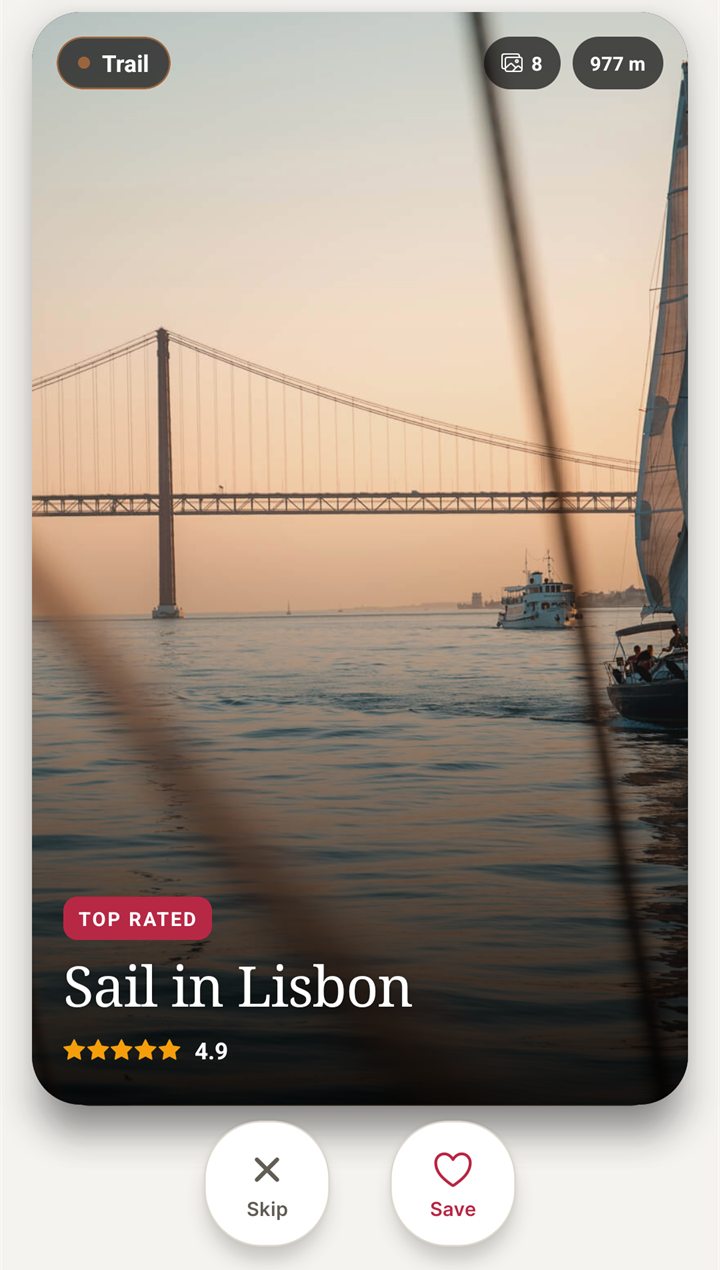
I built NomadSwipe, so I have an interest here, and I am comparing one narrow job, not claiming to match Wanderlog. In NomadSwipe (Android) you do not type places in first. It deals real places in a city as cards showing category, rating, distance and opening status; you swipe right to save and left to skip, and saved places appear in your trip and on a map. It also has destination search and custom pins such as your hotel. The Google Play listing sets monthly limits on searched places saved to a trip and on custom pins (2 each a month on the plan it describes), so it is built for choosing places, not for pasting in a long list. iPhone is coming soon.
| Way in | Wanderlog | NomadSwipe |
|---|---|---|
| A place you already know | Type it into a list | Destination search or a custom pin, with monthly limits |
| A place you have not found yet | Recommendations and Explore guides | Swipe real places one card at a time |
| From an article or a link | Chrome extension (Pro) and Import from anywhere | Not offered |
| From email | Flight and hotel bookings | Not offered |
| See what you added | Pinned on a Google Maps-based map | Saved places pinned on a map |
- NomadSwipe fits if you start with a blank city and want to pick places by looking at them, on Android.
- Stay with Wanderlog if you collect places from articles, links or reels, or keep long typed lists. NomadSwipe has no import or export, so moving a shortlist across is manual.
For the swipe method on a real city, see how I save places for a trip.
Try the swipe-first way to pick places
I built NomadSwipe to swipe real places in a city, save the ones you like and see them on a map. It is Android only for now, and iPhone is coming soon.
Summary: what to remember
- Wanderlog documents typing into a list, searching its library, recommendations and Explore guides as the basic ways to add a place; none of these carries a Pro label on the pages I read.
- The Chrome extension, which adds a highlighted place from any article, is labelled Pro on Wanderlog's extension page, while the Chrome Web Store text does not mention Pro.
- Import from anywhere (paste a link or share reels) is in the App Store version notes for 2.228, and the pages read for this page publish no steps.
- Email forwarding and Gmail add bookings, not places.
- I found no Wanderlog page that describes importing a Google Maps list.
Questions about adding places on Wanderlog
How do I add a place to Wanderlog?
Wanderlog's FAQ says to tap Add a place at the bottom of a place list and type the place. You can also add places from its Explore guides, from the places the app recommends at the bottom of sections, with its Chrome extension on any article, or by pasting a link into Import from anywhere.
Can I import a Google Maps list into Wanderlog?
I found no Wanderlog page that describes it. The pages read for this page cover exporting a Wanderlog trip to Google Maps, which its App Store listing says needs Pro, and importing bookings by email, not importing a Google Maps list. Wanderlog's own blog says Google Maps place lists cannot be exported to other platforms.
Does the Wanderlog Chrome extension need Pro?
Wanderlog's extension page labels adding a place from any article as a Pro feature with a 7-day free map trial, while the download itself is free. The Chrome Web Store text I read does not mention Pro.
Does forwarding an email add places to Wanderlog?
Only bookings. Wanderlog says forwarding confirmation emails, or connecting Gmail, imports flight and hotel details into your trip plan. For trains, ferries and buses its FAQ says to add the terminal as a place and type in the confirmation number.
How does adding places in NomadSwipe differ from Wanderlog?
NomadSwipe (Android) shows real places as cards and you swipe right to save one, then see the saved places on a map. It has no paste-a-link, article extension or booking import, so it suits choosing places rather than collecting ones you already found elsewhere. I built NomadSwipe.
Findings, method and sample
Sample and method. On 11 November 2026 I fetched 7 pages: Wanderlog's FAQ, plan a trip page, extension page, blog post on Google Maps' trip planner and travel maps page, the U.S. App Store listing and the Chrome Web Store listing for the extension. I did not install or test Wanderlog or its extension, so every step describes what its pages say, not what I saw on screen. Wanderlog's help center (help.wanderlog.com) returned HTTP 403 on every article I tried today, so I used no help-center fact on this page, and the Google Play listing did not load its description, so I used no Play facts about Wanderlog. The FAQ and blog pages show no publication date apart from the August 2024 blog post, and the App Store version notes show a relative date only ("6d ago" at the time), so features may have changed.
- 7 pages read; 6 distinct ways to add a place identified, of which 1 (the Chrome extension) carries a Pro label on its page.
- 2 of the 6 (Import from anywhere and the 1-click guide add) rest on the App Store listing alone, with no published steps.
- 0 Wanderlog pages found describing a Google Maps list import.
- The extension's Chrome Web Store page shows 2.5 out of 5 from 47 ratings and was last updated 8 March 2024.
Limits: I read marketing and FAQ text, not the current app screens; button names may differ. The NomadSwipe column uses my own Google Play listing as checked on 2 November 2026 and carries no numbers beyond what that listing states.
Sources
- Wanderlog FAQ: wanderlog.com/blog/faq, read 11 November 2026.
- Wanderlog plan a trip page: wanderlog.com/plan-a-trip, read 11 November 2026.
- Wanderlog Chrome extension page: wanderlog.com/extension, read 11 November 2026.
- Chrome Web Store listing: Wanderlog: search and save Google Maps places, read 11 November 2026.
- Wanderlog U.S. App Store listing: apps.apple.com/app/id1476732439, read 11 November 2026.
- Wanderlog blog, How to use Google Maps' trip planner (22 August 2024): wanderlog.com/blog/?p=952, read 11 November 2026.
- Wanderlog travel maps page: wanderlog.com/travel-maps, read 11 November 2026.
- NomadSwipe facts: the public Google Play listing of NomadSwipe: Trip Planner (swipe, save, map, destination search, custom pins, plan limits), as recorded in the project's play-listing notes, checked 2 November 2026.